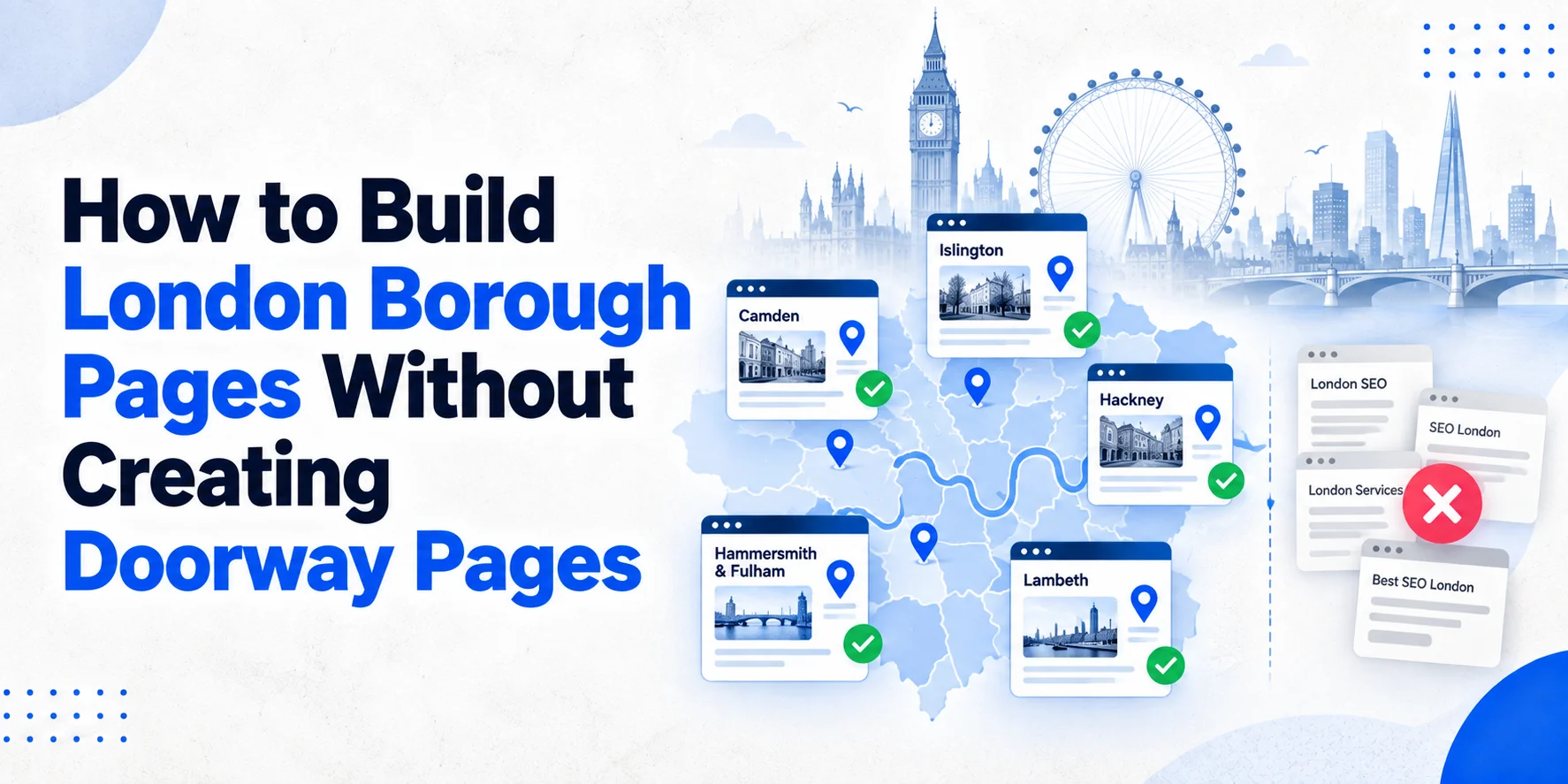
Creating a page for every London borough sounds like a simple SEO plan. It isn’t. If you copy one page, change “Camden” to “Ealing”, then repeat the process for every borough, you may end up with dozens of pages that offer little real value. That can create a poor experience for visitors and increase the risk of doorway-style SEO. Google’s current spam policies cover doorway abuse and scaled content created mainly to manipulate search rankings. The better approach is simple: only build a borough page when you can give that area something genuinely useful. This guide explains how to plan, build and review London local SEO pages without turning your website into a pile of near-duplicate URLs.
What Is a London Borough Page?
A London borough page is a location-focused website page built around a genuine service area. For example, a plumber might create a useful page for Camden if the business regularly serves customers there. The page should explain the service, the area covered, the types of customers served and anything useful about working in that location. It shouldn’t just repeat the homepage with the word “Camden” added 20 times. A good page connects: Service + Location + Customer need That connection gives the page a clear purpose. If you’re planning a wider local search strategy, start with Wixdek’s Local SEO services to understand how location pages fit alongside Google Business Profile and other local signals.
Why Similar Borough Pages Can Become a Problem
London gives businesses a huge number of possible locations. You have 32 boroughs, hundreds of neighbourhoods and countless postcode areas. That can make it tempting to create a page for every possible search. The problem starts when the pages don’t have enough differences. Imagine these pages: “Emergency Plumber Camden” “Emergency Plumber Ealing” “Emergency Plumber Hackney” “Emergency Plumber Haringey” If every page has the same introduction, service descriptions, FAQs, images and calls to action, changing the borough name doesn’t create useful local content. It creates a group of pages that look almost identical. Google’s spam policies explain that doorway abuse can involve pages created for similar searches that mainly funnel users towards another destination. Google’s guidance also warns about scaled content where large numbers of pages provide little original value. So don’t ask: “How many borough pages can we create?” Ask: “Which borough pages can we make genuinely useful?” That change in thinking makes a big difference.
The Borough Page Framework
Before creating a new page, check five things.
- Real service demand: Do customers actually search for this service in the area?
- Genuine coverage: Does the business really serve customers there?
- Local evidence: Can you provide real information, projects, customers or experience connected with the area?
- Useful differentiation: Can the page answer questions that a generic London page cannot?
- Clear purpose: Does the page deserve its own URL?
If you can’t provide enough useful information, don’t force the page. A smaller group of strong location pages is often better than a huge collection of weak ones.
How to Make Each Borough Page Genuinely Different
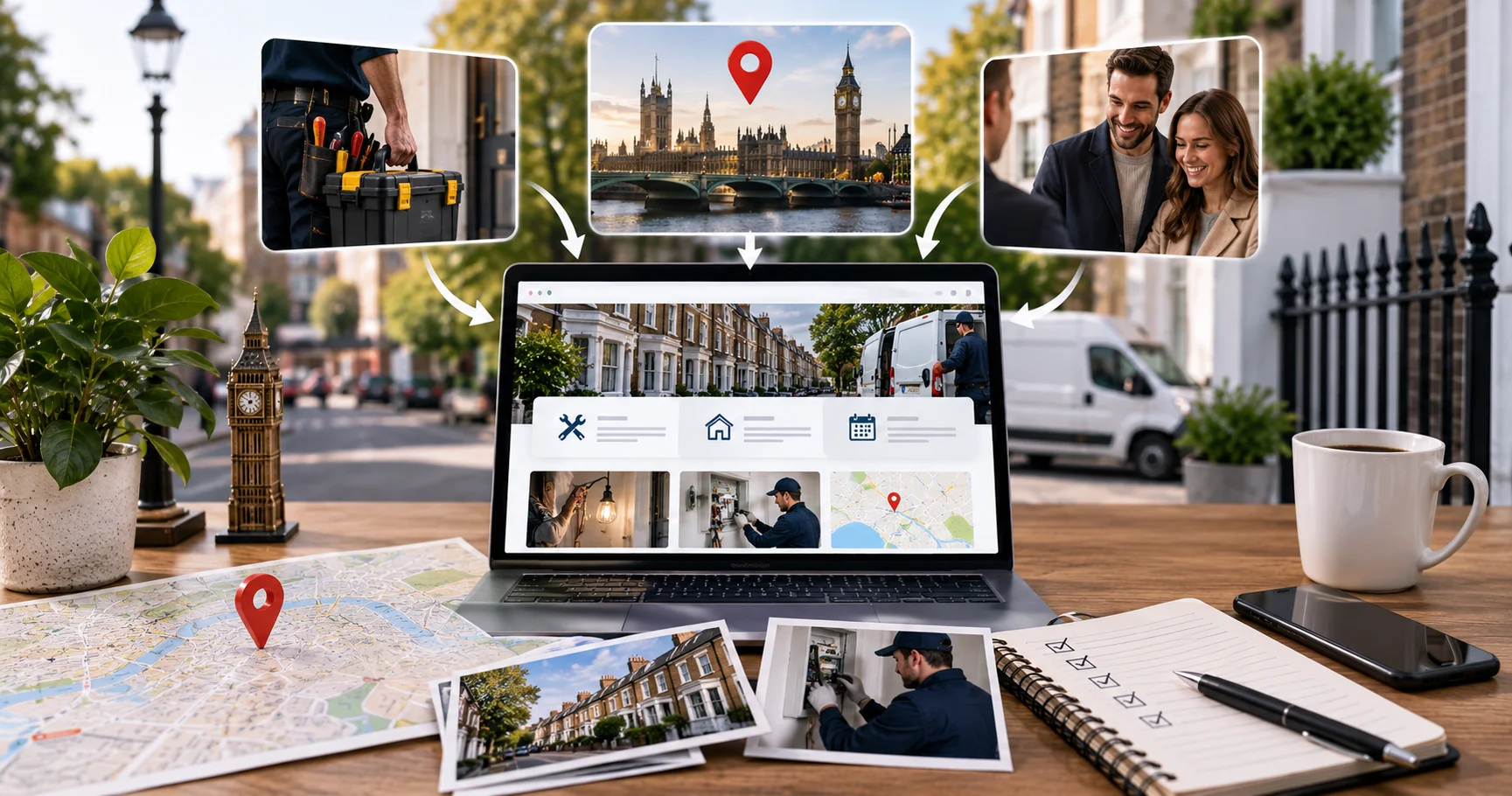
1. Start With the Service
The location should support the service, not replace it. For example, an electrician serving Westminster could explain emergency electrical work, fault finding, lighting repairs and commercial electrical work. It could also explain the property types served and how appointments are arranged. The service information should be specific and useful. Don’t turn every page into a keyword list.
2. Add Genuine Local Information
This is where many location pages fall flat. A useful page can explain things that actually matter to customers in that borough. For example, a trades business might discuss parking, access, property types or appointment planning where those issues genuinely affect its work. A business working on older properties could explain relevant access or building considerations when those details are based on real experience. Don’t invent local problems simply to make a page look unique.
3. Use Real Local Proof
Real evidence is one of the best ways to separate one borough page from another. You could include a completed project in the borough, a genuine customer testimonial, a photograph from a local job, a relevant case study or a description of work completed in the area. For example, a roofing company with real experience in Camden could explain a completed roofing project and the practical issues involved. That is much stronger than writing: “We provide professional roofing services throughout Camden.” The second sentence says very little. The first gives customers something they can actually use.
Don’t Invent Local Expertise
This point matters. If Wixdek or your client hasn’t completed work in a particular borough, don’t invent a project. Don’t create fake testimonials. Don’t claim local knowledge that the business doesn’t have. Don’t add landmarks simply because they appear on a map. Google’s people-first content guidance encourages useful, reliable content created primarily to help people rather than content made mainly to attract search traffic. The safest approach is to use evidence that can be checked.
Use Borough-Specific FAQs
FAQs can help when they answer real questions from customers in that area. For example, a locksmith serving Westminster might answer:
Do you provide emergency locksmith services in Westminster?
Explain the actual coverage, availability and booking process.
Can you reach properties in central Westminster?
Give accurate information about the areas and situations the business handles.
Do you work on commercial properties?
Explain the service clearly if commercial work is offered. The questions should reflect genuine customer needs. Don’t create 10 almost identical FAQs and change only the borough name. That defeats the purpose.
When Local Regulations Matter
Some services have local considerations that genuinely differ between areas. Planning, conservation, parking, access and property restrictions can matter for certain trades and building-related services. For example, London’s planning data includes information on conservation areas and other planning constraints. The Greater London Authority’s Planning Data Map brings together London-wide planning information for professionals and the public. If a local rule genuinely affects your service, explain it carefully and link to the relevant council or official source. Don’t turn a location page into a legal guide. Only include local regulations when they help the customer understand the service.
Use Real Images, Not Borough-Swapped Stock Photos
Images can also help prove that a page has genuine local value. A real photograph of your team working in Camden is more useful than using the same stock image across 20 borough pages. Good options include a completed project, a team member working locally, a company vehicle at a genuine job, a real shop or office, or a relevant local setting. Keep image alt text descriptive and natural. Don’t write something like: “best plumber Camden plumber Camden plumbing Camden London.” That adds noise rather than value.
Local Landing Page Technical Setup
URL Structure
Keep URLs simple and readable. For example:
/emergency-plumber-wimbledon/
is clearer than a long URL containing unnecessary parameters.
If you need a complete page structure first, use our local landing page template to plan the service content, local proof, FAQs and conversion sections.
Title Tag and Meta Description
Write a unique title and meta description for each useful location page. Don’t simply replace the borough name in a copied template. The wording should reflect the actual page and its purpose.
Heading Structure
Use one H1 for the main topic. Then use H2 and H3 headings to organise the service information, local details, proof, FAQs and other useful sections. Clear headings make the page easier for visitors to scan.
Structured Data
Structured data can help search engines understand specific information about a page. However, it must accurately represent the content shown to visitors. For example, don’t add a business address to structured data if that address isn’t a genuine customer-facing location. Don’t add fake services, locations or reviews simply because you want search engines to associate them with the page. Google’s structured data guidelines explain that structured data should accurately represent the visible content and shouldn’t be misleading.
Images
Use original images where possible. A real photograph of your team, vehicle, premises, completed work or local project can provide useful context. Write descriptive alt text that explains the image naturally. Don’t stuff borough names or keywords into every image field.
How Many Borough Pages Should You Create?
There is no magic number. A business serving five boroughs doesn’t need 32 pages simply because London has 32 boroughs. Start with the areas where there is a real business reason to create a page. You might prioritise boroughs based on:
- Existing customers
- Actual service coverage
- Search demand
- Revenue potential
- Competition
- Local evidence
- Existing organic visibility
Then build the strongest pages first. Once those pages have enough data, you can decide whether more locations are worth creating. For businesses serving several genuine locations, a clear multi-location SEO architecture can help organise those pages and avoid a messy site structure.
A Simple Borough Page Approval Framework
Before publishing a page, score it against these questions:
| Check | Question |
| Service | Is the service genuinely offered there? |
| Coverage | Does the business really serve the borough? |
| Evidence | Do we have genuine local proof? |
| Content | Does the page add useful information? |
| Differentiation | Is it meaningfully different from other location pages? |
| Customer value | Would a local customer find it useful? |
| Accuracy | Can every local claim be verified? |
| Structure | Does it fit the website hierarchy? |
If most answers are no, don’t publish the page yet. Improve the evidence first or leave the borough out.
What Counts as a Doorway-Style Page?
Watch out for these patterns.
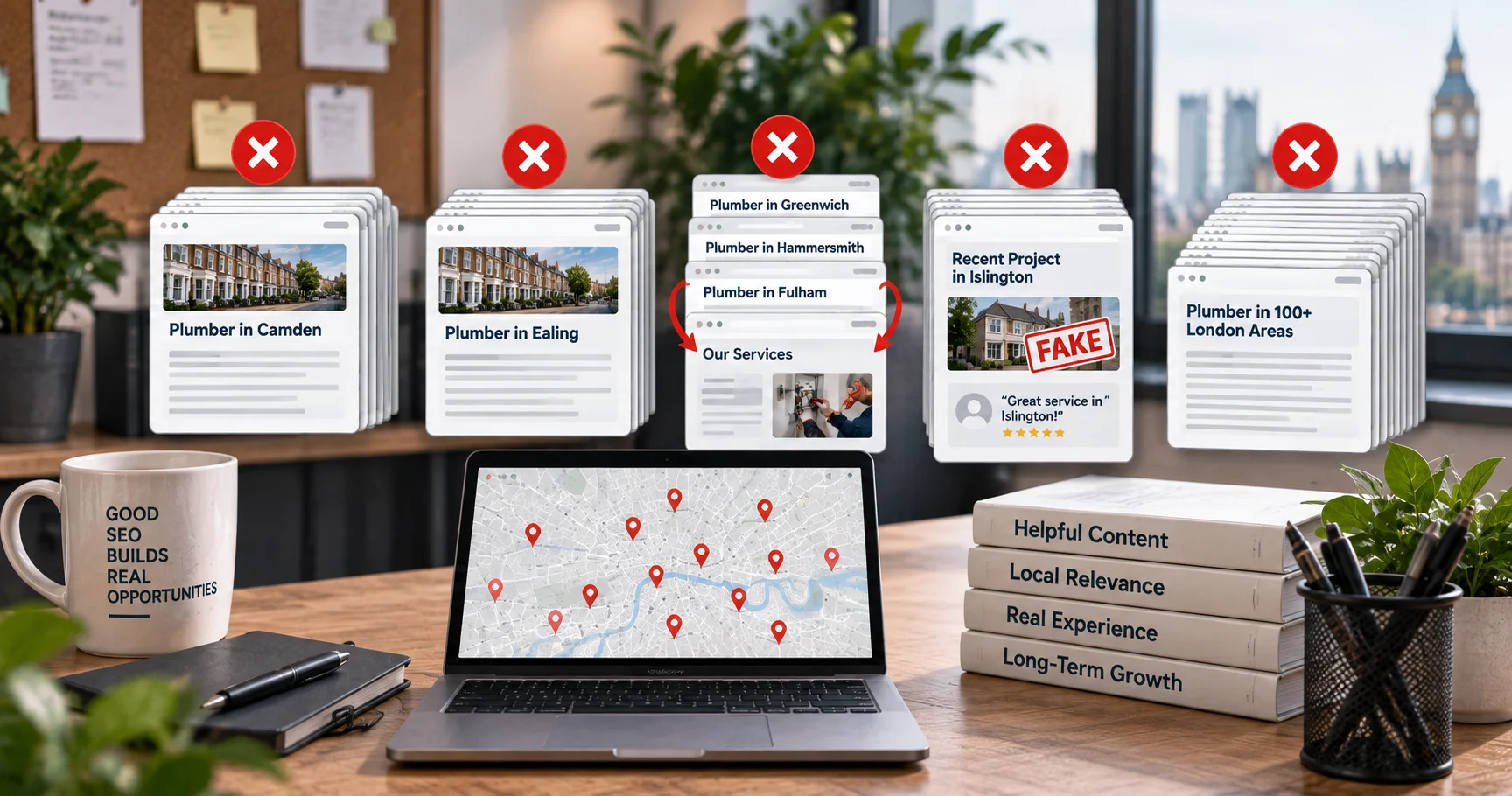
- Copying One Template Across Every Borough: If the pages are almost identical, there is little reason for each URL to exist.
- Changing Only the Location Name: Replacing “Camden” with “Ealing” isn’t local optimisation. It is just a text replacement.
- Creating Pages That All Funnel Into One Page: If several location pages exist only to push visitors towards the same generic destination, their value becomes questionable.
- Inventing Local Claims: Fake local projects, fake testimonials and made-up service coverage should never be used.
- Publishing Pages at Scale Without Review: Creating dozens or hundreds of similar pages with little original value can create scaled content concerns.
Google’s current scaled content abuse guidance makes clear that the issue is pages produced primarily to manipulate rankings rather than genuinely help users.
What a Strong Borough Page Looks Like
Imagine a legitimate locksmith serving Hackney. A weak page might say: “Looking for a locksmith in Hackney? We provide locksmith services in Hackney. Our Hackney locksmiths are professional and reliable.” That’s mostly filler. A stronger page could explain the locksmith’s actual services, emergency availability, property types served, local access considerations, genuine Hackney work, customer feedback and how customers can request help. The difference isn’t the number of times “Hackney” appears. The difference is useful information.
How to Review Existing Borough Pages
If your website already has dozens of location pages, don’t delete everything straight away. Audit them first. Look for pages with very similar copy, no local evidence, little organic traffic, no useful impressions, no internal links, no clear customer purpose or incorrect local information. Then decide what each page needs. Some pages may be improved. Some may need consolidation. Others may have a genuine purpose and should remain. Don’t make mass changes based on SEO rumours. Review the data first, then make controlled improvements.
Track Performance After Publishing
Give new pages time to be crawled and evaluated. Use Google Search Console to monitor:
- Impressions
- Clicks
- Search queries
- Average position
- Indexed status
- Landing-page performance
Look at the actual queries bringing impressions, not just the keyword you originally planned to target. If a page gets impressions for useful local searches but few clicks, review the title and page content. If it gets no meaningful visibility after a reasonable period, investigate whether the page has enough value, demand or internal support. For major changes, test carefully rather than changing dozens of pages at once. A simple local SEO reporting process can help you track these results consistently and decide which borough pages need improving.
Borough Pages and Your Wider Local SEO Strategy
Location pages are only one part of local search. Your wider strategy can include your Google Business Profile, service pages, reviews, citations, internal links, technical SEO and local authority. That means a borough page shouldn’t be expected to fix every local ranking problem. It should have one clear job. Help customers in that area understand why the service is relevant to them. When the page does that well, the SEO benefits have a much stronger foundation.
The Wixdek Borough Page Framework
At Wixdek, we recommend treating every location URL as a real page with a reason to exist. The process is straightforward. First, confirm that the business genuinely serves the borough. Next, identify what customers in that area actually need to know. Then collect real evidence, such as local projects, customer feedback or service information. Build the page around that evidence instead of forcing keywords into a template. Finally, connect it to the wider website and monitor its performance. This approach keeps local content useful while reducing the risk of creating pages that only exist for search engines.
Final Borough Page Checklist
Before publishing any London local SEO page, ask:
- Does this business genuinely serve the borough?
- Is there a clear customer reason for the page?
- Does it contain useful local information?
- Is the information accurate?
- Is there genuine local evidence?
- Is the content meaningfully different from other pages?
- Are the FAQs useful rather than copied?
- Are the images genuine and relevant?
- Are the internal links helpful?
- Does the page fit the site’s wider structure?
- Does the structured data match visible information?
- Would the page still be useful without Google?
That last question is worth remembering. If the answer is yes, you’re probably building the page for the right reason. If the answer is no, leave the keyword chasing at the door and improve the page first.
Frequently Asked Questions
How many London borough pages should a business have?
There is no fixed number. Create pages for locations where the business genuinely operates and where a separate page can provide useful, distinct information.
Are location pages bad for SEO?
No. Useful location pages can serve customers and search engines well. The problem comes when pages are created mainly to rank for similar searches and provide little unique value.
How do I avoid doorway pages?
Make every page genuinely useful and locally relevant. Include real service information, accurate coverage, local proof and customer-focused details. Avoid creating large groups of near-identical pages.
Should I create a page for every London borough?
Not necessarily. Start with areas that have genuine demand, real service coverage and enough useful information to support a dedicated page.
Can I use the same template for every borough?
A basic structure can be reused, but the important content should be genuinely different. The local service details, evidence, FAQs and supporting information should reflect the specific area.
Should I mention local landmarks?
Only when they are genuinely useful to the customer or relevant to the service. Don’t add landmarks simply to make a page appear local.
Can AI help create borough pages?
AI can help with research, outlines and editing, but it shouldn’t be used to mass-produce near-identical location pages. Google’s spam guidance specifically warns about scaled content created mainly to manipulate search rankings.
Should borough pages have LocalBusiness schema?
Use structured data only when it accurately represents the visible content and the relevant business information. Don’t add fake addresses, locations or other details simply to strengthen local signals.
Ready to Review Your Borough Pages?
If you’re unsure whether your London location pages are helping or creating unnecessary SEO risk, Wixdek can review the structure, content, internal links and local signals. Start with a Local SEO review and find out which pages are worth keeping, improving or consolidating.