Website Accessibility and SEO overlap in how content, images, links and page structure are presented. Clear HTML helps people using assistive technology and can also help search engines understand your website. For example, a service page with clear headings, useful image descriptions and accessible navigation is easier for more visitors to use. Some of these improvements can also support search visibility.
However, Website Accessibility is not a shortcut to higher Google rankings. This guide explains where accessibility and SEO overlap, where they differ and what to check on your website.
Does Website Accessibility Affect SEO?
Website Accessibility helps people with different needs use your website, including visitors using screen readers, keyboards or other assistive technology. SEO helps search engines discover, understand and present your content. Both can benefit from clear structure and meaningful HTML, but they are not the same thing.
| Website element | Accessibility benefit | SEO benefit |
| Descriptive links | Explains where a link leads | Gives context about linked pages |
| Image alt text | Describes useful images | Helps Google understand images |
| Clear headings | Supports page navigation | Helps explain content structure |
| HTML navigation | Supports assistive technology | Helps search engines discover links |
| Text alternatives for videos | Makes information available to more people | Makes spoken information available as text |
| Accessible forms | Helps visitors submit enquiries | No automatic ranking benefit |
A website can meet important SEO requirements while still having accessibility problems. Likewise, an accessible website is not guaranteed to rank well. The goal is to improve both without confusing their purposes.
How Does Semantic HTML Support Accessibility and SEO?
Semantic HTML uses elements that explain what content does.
For example:
- headings identify sections;
- links connect pages;
- navigation elements group important links.
Screen readers use this structure to help people move through content. Search engines can also use meaningful HTML to understand the page.
Use Headings in a Logical Order
A service page should have one clear main heading followed by relevant sections.
For example:
<h1>Boiler Repair Services</h1>
<h2>Common Boiler Problems</h2>
<h2>How Our Repair Service Works</h2>
<h2>Request a Boiler Repair</h2>
This structure helps readers find information quickly. Do not choose heading levels simply because they look larger or smaller. Use CSS to control appearance. Google does not require exactly one H1 for ranking purposes, but one clear main heading is a sensible editorial choice.
Use Proper Links and Buttons
A link should take visitors somewhere. A button should usually perform an action on the current page.
For example:
<a href=”/boiler-repairs/”>
Boiler Repair Services
</a>
This link clearly identifies its destination. For an interactive action, such as opening an enquiry form, use an appropriate button. Using the correct element helps keyboard users and assistive technology understand what will happen.
Why Does Image Alt Text Matter for Website Accessibility and SEO?
Alternative text describes the meaning or purpose of an image. For someone using a screen reader, it provides information they may otherwise miss. Google can also use alt text alongside surrounding content and image analysis to understand an image.
Write Alt Text That Explains the Image
Imagine a London heating company showing an engineer repairing a boiler. A useful example is:
<img
src=”engineer-repairing-boiler.jpg”
alt=”Heating engineer checking a wall-mounted boiler”
>
This describes the image without stuffing it with search terms. Avoid alt text such as:
best boiler repair London cheap emergency boiler repairs That does not help someone understand the image.
Don’t Describe Decorative Images
Not every image needs a written description. If a decorative pattern adds no useful information, an empty alt attribute may be appropriate:
<img src=”decorative-pattern.svg” alt=””>
This prevents screen readers from announcing unnecessary information. Choose alt text based on the image’s purpose, not only its possible SEO value.
For more detail, see the W3C image accessibility guidance.
How Do Descriptive Links Help Users and Search Engines?
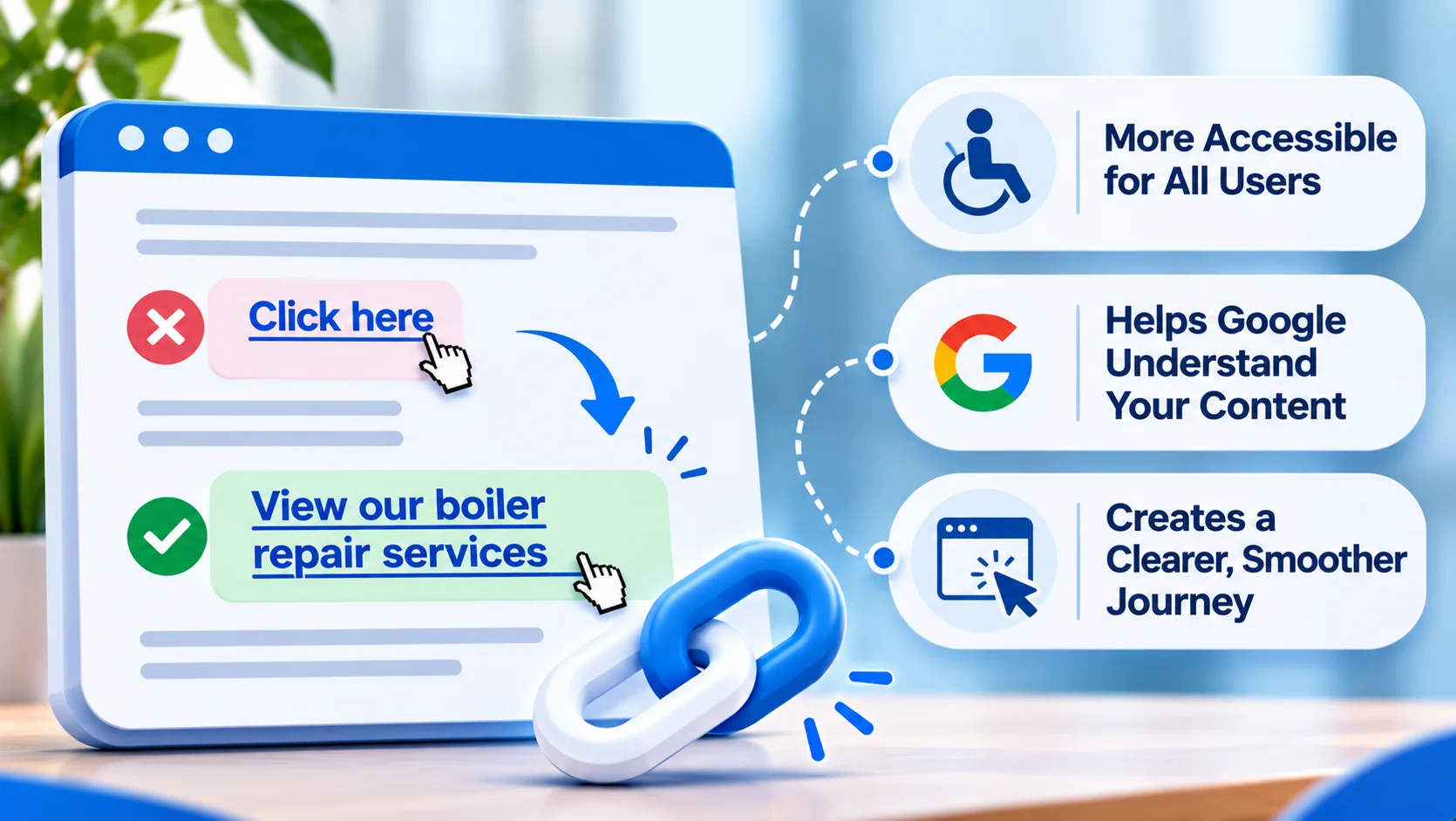
Link text should explain what visitors will find after clicking.
For example:
View our boiler repair services is clearer than:
Click here when read without surrounding content. Screen-reader users may navigate through a list of links, making vague anchor text difficult to understand. Google also recommends descriptive anchor text to explain linked pages.
Check Navigation and Internal Links
Review your:
- main menu;
- service pages;
- related guides.
Make sure important destinations use real HTML links with meaningful text. For a business offering several services, visitors should move between relevant pages without guessing which link to choose.
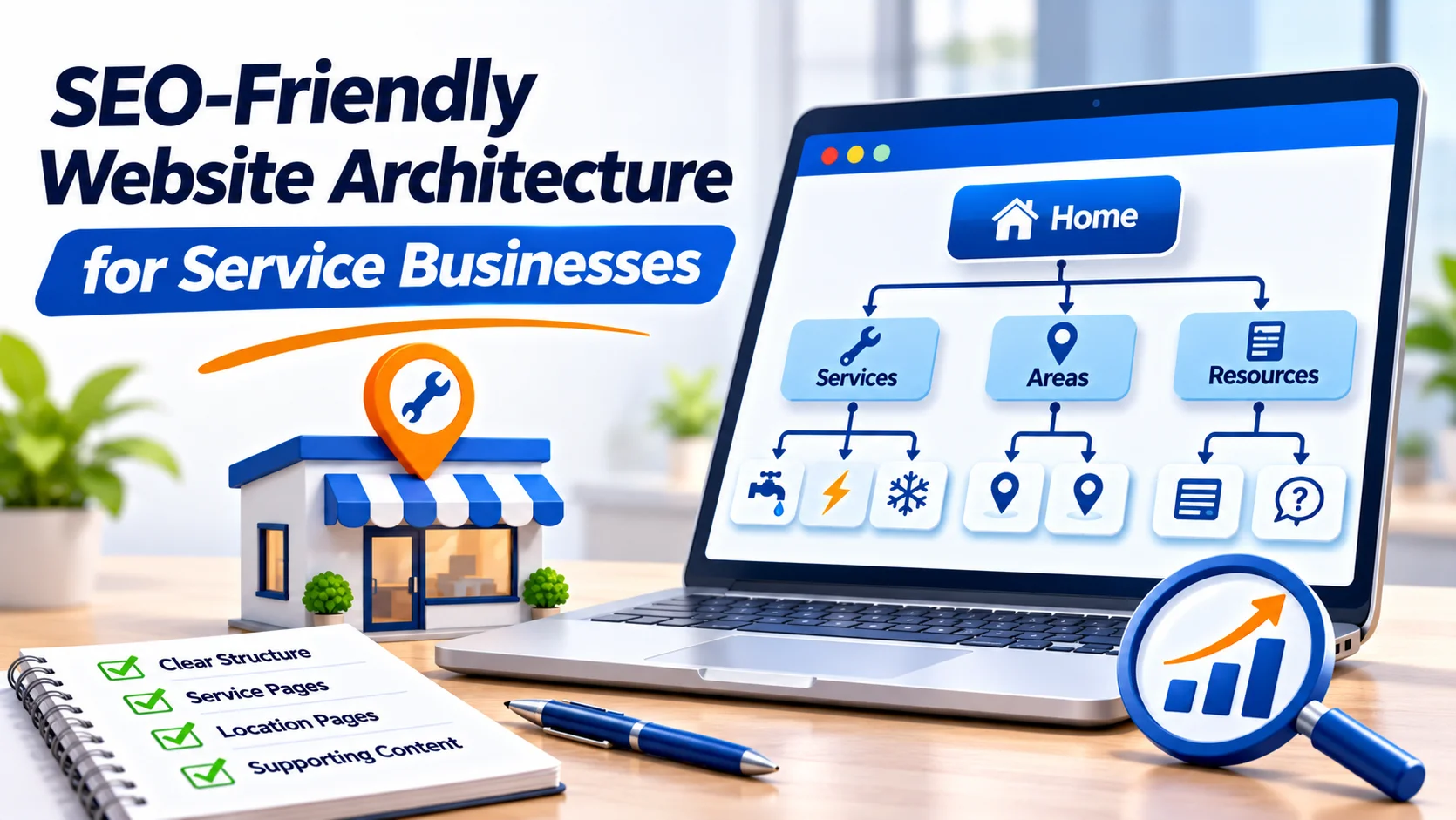
Our planned SEO-Friendly Website Architecture for Service Businesses guide explains how service, industry and location pages can be organised. Good internal links should help visitors find relevant information rather than simply repeating target keywords.
Does Website Accessibility Improve Page Readability?
Readable content helps visitors who find dense text difficult to follow. Use:
- clear headings;
- short paragraphs;
- everyday language where possible.
For example, a home-cleaning company should explain what is included, what it costs and how to book without unnecessary technical language.
Check Text Contrast and Layout
Visitors need to read text clearly against its background. Low-contrast grey text on white may look subtle but can be difficult to see. WCAG 2.2 Level AA generally requires a contrast ratio of at least 4.5:1 for normal text, with some exceptions. This is an accessibility requirement, not a direct Google ranking threshold.
A readable layout may help visitors understand the service, but it does not guarantee better rankings or lower bounce rates.
How Do Accessibility and SEO Overlap in Navigation?
People should be able to use important website controls without relying on a mouse. Keyboard users need:
- visible focus indicators;
- logical navigation order;
- accessible links, buttons and forms.
For example, a visitor should be able to reach a service page, open its enquiry form and submit details using a keyboard. Search engines do not test keyboard navigation like human visitors. However, well-structured HTML navigation can also make important pages easier for crawlers to discover. Avoid hiding essential links behind controls that are inaccessible or difficult to crawl.
How Should You Make Website Forms Accessible?
Forms are especially important for service businesses because they connect visitors with enquiries and bookings. An inaccessible form may prevent someone from contacting the company.
Give Every Field a Clear Label
For example:
<label for=”customer-email”>
Email address
</label>
<input
type=”email”
id=”customer-email”
name=”email”
required
>
The label explains what information is needed. Its connection to the input also helps assistive technology. Do not rely on placeholder text alone to identify a field.
Make Form Errors Easy to Understand
If someone enters an invalid email address, explain what needs fixing. The error should:
- be available to assistive technology;
- not depend only on colour;
- provide clear instructions.
Also provide visible focus and a working submission confirmation. Accessible forms mainly improve usability. They should not be presented as a direct SEO ranking technique.
Can Captions and Transcripts Help Accessibility and SEO?
Captions make spoken video content available to people who cannot hear it. Transcripts provide a written version of audio or spoken content. For example, a building company might publish a video explaining its survey process. Captions help more visitors understand the explanation. A transcript also makes the information available as readable text. Search engines may use relevant page text to understand the topic.
However, do not add inaccurate transcripts or keyword-heavy captions for SEO. The text should reflect what the video actually communicates.
What Is WCAG, and Does Google Use It for Rankings?
The Web Content Accessibility Guidelines, or WCAG, explain how to make web content more accessible. WCAG 2.2 covers principles including making content:
- perceivable;
- operable;
- understandable;
- robust.
It provides testable success criteria at:
- Level A;
- Level AA;
- Level AAA.
WCAG is an accessibility standard, not an SEO ranking checklist. Following it may improve parts of a website that also support usability and search, but compliance does not guarantee higher Google rankings. Use the official W3C WCAG guidance when reviewing accessibility requirements.
How to Run a Website Accessibility and SEO Audit
Start with the pages visitors use most, such as:
- homepage;
- main service pages;
- contact page.
The goal is to identify accessibility barriers alongside related SEO issues without treating them as the same problem.
Step 1: Check the Page Structure
Inspect:
- headings;
- links;
- navigation;
- important images.
Use browser developer tools to see whether the page uses appropriate HTML elements. Confirm that the main content follows a sensible reading order.
Step 2: Test Keyboard and Screen-Reader Use
Navigate using the Tab key. Check whether you can reach important controls and see which element has focus. Test important journeys with a screen reader where possible. Tools such as axe DevTools and WAVE can help identify possible issues. Automated tools cannot confirm every accessibility requirement. Manual testing is still necessary.
Step 3: Review Related SEO Signals
Check whether:
- important links are crawlable;
- images have suitable alt text.
Review Google Search Console for relevant crawling and indexing problems. Remember that canonical tags, robots directives and XML sitemaps are separate technical SEO controls.
Our planned Canonical URLs Explained for WordPress and Service Websites guide covers canonical decisions. Do not assume an accessibility test replaces a technical SEO audit.
Example Website Accessibility Audit
The following example is illustrative, not a Wixdek client audit.
| Component | Issue found | Suggested fix |
| Service image | Missing useful alt text | Describe the image’s purpose |
| Contact form | Email field has no label | Add an associated label |
| Navigation | Keyboard focus is not visible | Add a clear focus style |
| Internal link | Text says “Click here” | Use descriptive link text |
| Service heading | Styled text is not a real heading | Use the correct heading element |
After fixing an issue, repeat the relevant manual and automated tests. Keep a record of:
- page;
- issue;
- correction;
- result.
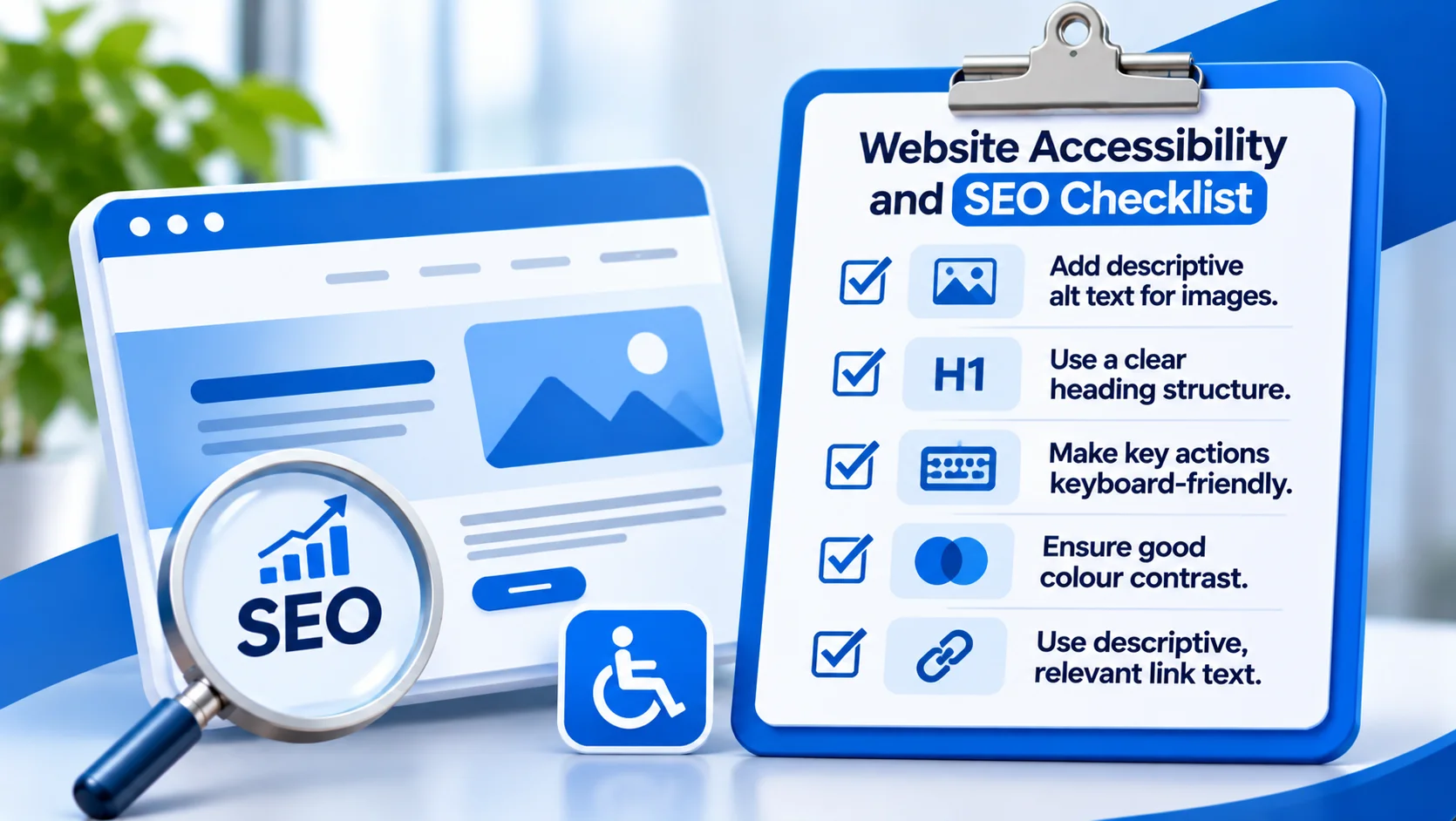
Website Accessibility and SEO Checklist
Use this Website Accessibility checklist when reviewing an important service page:
- Headings follow a clear, logical structure.
- Informative images have suitable alt text.
- Decorative images do not create screen-reader clutter.
- Internal links use descriptive text and valid destinations.
- Navigation and forms work with a keyboard.
- Form labels, errors and confirmations are accessible.
- Text contrast and readability have been checked.
- Videos have suitable captions or text alternatives.
- Manual and automated accessibility checks have been completed.
- Related crawling and indexing checks have been reviewed separately.
Frequently Asked Questions
What Is Website Accessibility?
Website Accessibility means designing and developing a website so people with different needs can understand, navigate and use its content and features.
Does Website Accessibility Directly Improve Google Rankings?
Not automatically. Some accessibility practices also support SEO, but WCAG compliance is not a guaranteed ranking shortcut.
Is Alt Text Important for Accessibility and SEO?
Yes. Useful alt text helps screen-reader users and gives Google more information about an image.
Are Accessibility and Technical SEO the Same?
No. They have different goals, although both may benefit from clear HTML, meaningful links and organised content.
Can an Accessibility Plugin Make a Website Fully Accessible?
Not necessarily. A plugin may help with specific issues, but it cannot guarantee full accessibility. The website still needs appropriate development and testing.
Need Help Improving Website Accessibility and SEO?
Good Website Accessibility can make content, navigation and website features easier for more people to use. At Wixdek, we help UK businesses review website structure, technical SEO and usability issues. Explore our Technical SEO services to identify crawlability and site-structure issues alongside your accessibility review.
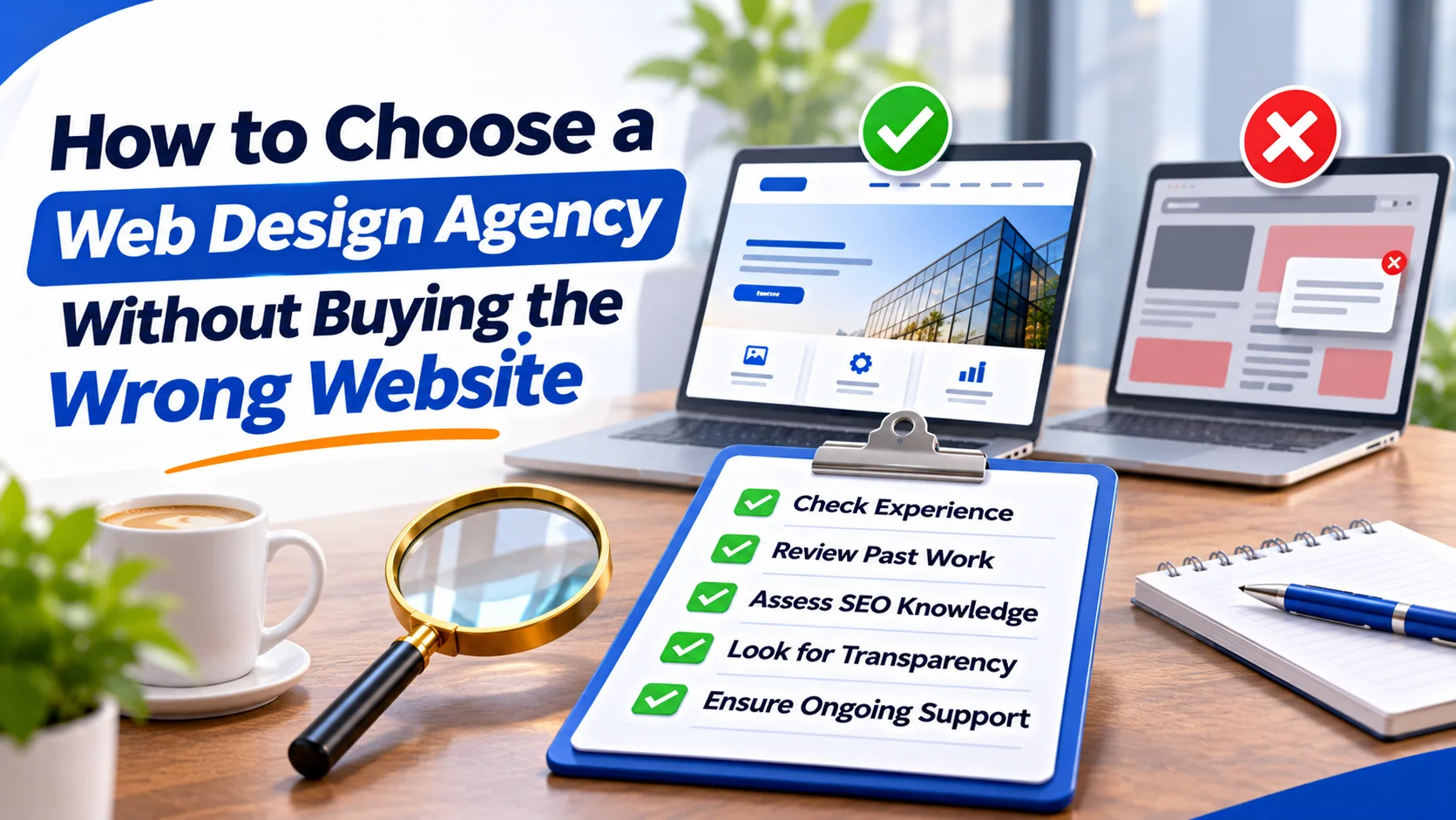
When choosing a new website provider, our planned How to Choose a Web Design Agency Without Buying the Wrong Website guide explains which technical and usability questions to ask.
Request a Website Review
By Wixdek