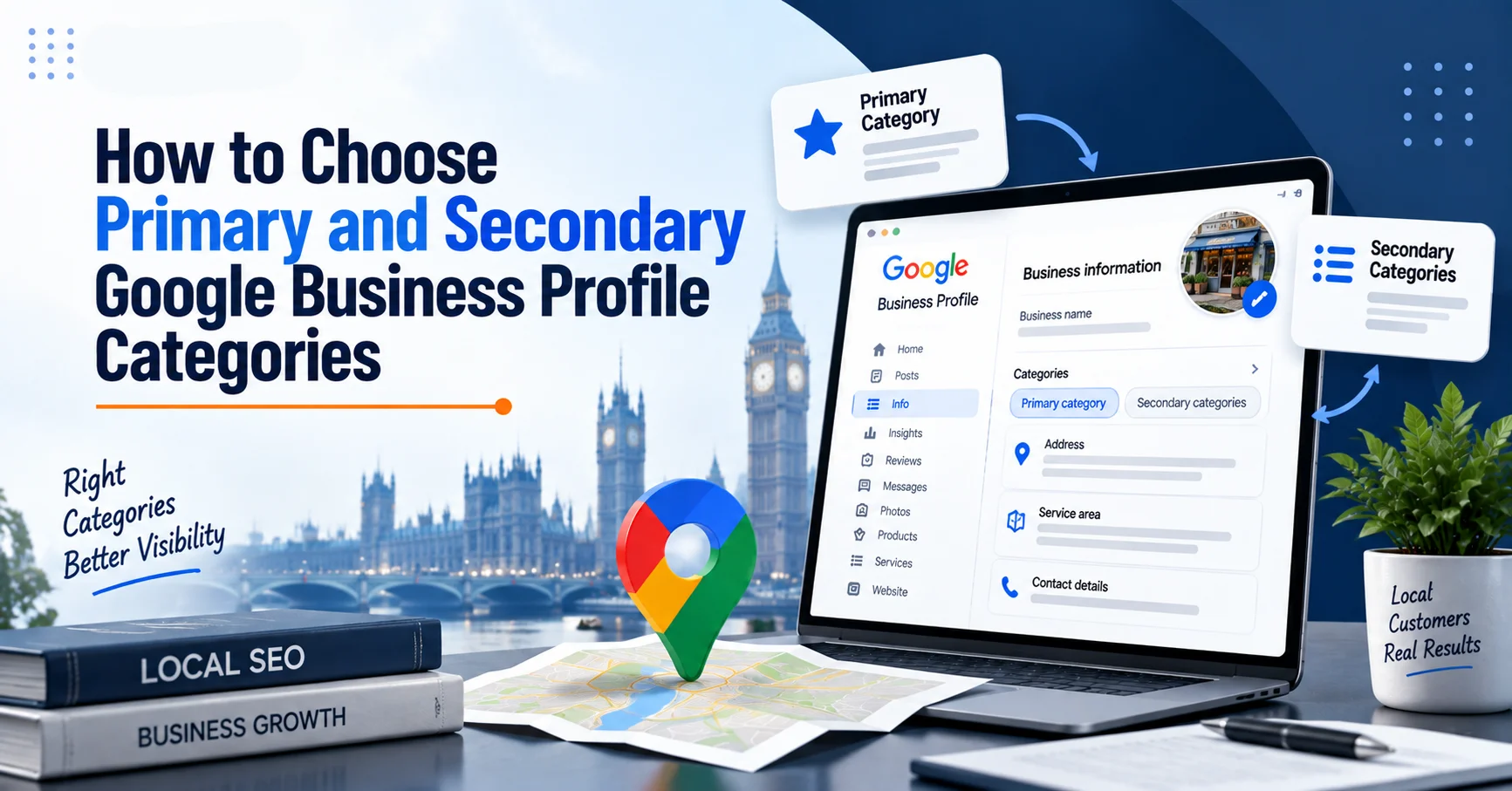
Choosing the right Google Business Profile categories can make a big difference to how your business appears in Google Search and Google Maps. Many businesses create a profile, select a category quickly, and then wonder why competitors appear for more searches. The problem is often not the service itself. It is that Google has not been given the clearest possible understanding of what the business does. Your primary and secondary Google Business Profile categories help connect your business with relevant customer searches. However, choosing categories is not about adding as many options as possible. It is about selecting categories that accurately represent your services. At Wixdek, we review categories as part of a wider local SEO process. The goal is not to chase quick ranking tricks, but to build a profile that clearly matches customer intent. If you want to review your complete profile setup first, you can also read our Google Business Profile optimisation checklist for service businesses.
Why Google Business Profile Categories Matter
Google Business Profile categories help Google understand what type of business you operate and which searches your profile may be relevant for. For example, a customer searching: “emergency plumber near me” has a different expectation from someone searching: “bathroom renovation company near me”. Both businesses may work with plumbing, but their main services and customer needs are different. Choosing the wrong category can create a mismatch between your profile and the searches you want to appear for. Google recommends businesses choose the most accurate category that represents their main service. You can review Google’s official guidance on choosing business categories here: Google Business Profile category guidelines.
What Is a Primary Google Business Profile Category?
Your primary category is the main category that describes your business. Google allows only one primary category, so this choice needs careful consideration. It should represent:
- Your main service
- Your main source of enquiries
- The service customers know you for
- The search terms you want to attract
For example: A roofing company that mainly provides roof repairs should not select a general construction category if a more specific roofing category is available. A chauffeur company focused on executive travel should choose a category that reflects professional transport rather than a broad vehicle-related category. The primary category sends one of the strongest signals about your business focus.

How to Choose Your Primary GBP Category
Start With Your Main Revenue Service
The first question is simple: What service do customers usually contact you for? Do not choose a category because it sounds popular. Choose the category that matches your real business activity. For example: A London electrician may provide:
- Electrical repairs
- Lighting installation
- Electrical testing
- Emergency callouts
The primary category should represent the main electrical service, while additional services can support it. The category should describe the business customers are actually looking for.
Match Your Category With Customer Search Intent
Think about what your customer types into Google. Someone searching: “local electrician” is looking for an electrician. Someone searching: “solar panel installer” has a different need. The category should match the customer’s reason for searching. This is where search intent and local SEO work together. A correct category helps Google connect your profile with relevant searches.
Review Competitor Google Business Profile Categories
Looking at competitors can provide useful information. Search your main service in Google Maps and review businesses that appear consistently. Look at:
- Their primary category
- Their services
- Their reviews
- Their website content
- Their location signals
Competitor research should help you understand the local market, but it should not become a copy-and-paste exercise. A competitor may rank because of stronger reviews, better website signals, location relevance, or stronger local authority. The category is only one part of the picture. A competitor may rank because of strong reviews, authority, location, or website signals, not only because of their category.
How to Choose Secondary Google Business Profile Categories
Secondary categories support your main business category. They help describe additional services you provide. However, this is where many businesses make mistakes. Adding unrelated categories can confuse Google and create an unclear profile. For example, a plumbing company may offer:
- Boiler repairs
- Bathroom installations
- Heating services
These may support the main plumbing category if they are genuine services. But adding categories that the business does not actually provide creates unnecessary risk.

How Many Secondary Categories Should You Add?
There is no benefit in filling every available category slot. A focused profile is usually better than a profile containing unrelated categories. A good approach is: Choose secondary categories that:
- Represent real services
- Support customer searches
- Match website content
- Reflect your actual business operations
For many service businesses, a small number of highly relevant categories is more useful than adding everything available.
Google Business Profile Category Examples
Example: Plumbing Business
A plumbing company may choose: Primary category: Plumber Secondary categories:
- Bathroom remodeler
- Boiler supplier
- Heating contractor
The final selection depends on the actual services offered. A business that only fixes leaks should not add categories for services it does not provide.
Example: Chauffeur Business
A premium chauffeur company may focus on: Primary category: Chauffeur service Secondary categories may include:
- Airport shuttle service
- Transportation service
The categories should support the company’s real customer journey, such as airport transfers, corporate travel, and private journeys.
Example: SEO Agency
An SEO agency may choose categories related to:
- Internet marketing service
- Marketing agency
The correct choice depends on available Google categories and the agency’s main service offering. The category should match the business position, not just every marketing activity it performs.
Common Google Business Profile Category Mistakes
Many businesses make category decisions based on rankings instead of accuracy. Common mistakes include:
Choosing Too Broad a Category
A broad category may not clearly explain your service. A specific category usually gives Google stronger context.
Adding Irrelevant Categories
Adding categories only because competitors use them can damage profile clarity. Every category should represent a genuine service.
Ignoring Website Alignment
Your categories should match your website. If your profile says you provide roofing services but your website only talks about general building work, Google receives mixed signals.
Changing Categories Too Often
Constant changes make it harder to understand whether a category is helping. Test changes carefully and allow time to measure impact.
How to Test Google Business Profile Categories Safely
Changing your Google Business Profile category should not be treated like a quick ranking trick.
Some businesses switch Google Business Profile categories repeatedly, add unrelated options, or copy competitors without understanding why those businesses rank. This usually creates confusion rather than improvement.
A safer approach is to test category changes carefully and measure the impact.
Step 1: Record Your Current Performance
Before changing anything, create a baseline.
Record:
- Google Business Profile calls
- Website clicks from your profile
- Discovery searches
- Map impressions
- Search queries bringing customers to your profile
This helps you understand whether a category change actually improves visibility.
Step 2: Change One Category at a Time
Avoid changing your primary category, secondary categories, services, and business information together.
If everything changes at once, you cannot identify what helped or what caused a decline.
For example, if a London electrician changes from “Electrician” to another category, keep other profile information consistent during the test period.
Step 3: Monitor Performance Over Time
Local SEO changes do not always appear immediately.
Allow enough time to collect useful data before making another change.
Monitor:
- Search impressions
- Customer actions
- Relevant search terms
- Calls and website visits
A category should be judged by whether it attracts the right customers, not only whether impressions increase.
Step 4: Compare Results Before Making Another Change
After monitoring performance, compare the new data against your original baseline.
Ask:
- Did relevant searches increase?
- Did customer actions improve?
- Did the category better represent the service?
- Did the website and profile remain aligned?
If the category does not improve relevance, consider testing another accurate option.
The goal is not to find a category loophole. The goal is to help Google understand your business more clearly.
How Wixdek Reviews Google Business Profile Categories
At Wixdek, category selection is not reviewed in isolation. We look at:
- Business goals
- Main services
- Customer searches
- Competitor profiles
- Website content
- Local competition
A category decision should support the complete local SEO strategy. For example, changing a category may help relevance, but stronger results usually come when categories, services, reviews, website pages, and local signals all work together.
Google Business Profile Category Review Checklist
Use this checklist when reviewing your Google Business Profile Categories:
| Check | Completed |
| Primary category matches the main service | |
| Categories reflect real services | |
| Website matches profile categories | |
| Competitor categories reviewed | |
| Irrelevant categories removed | |
| Services section updated | |
| Reviews support business services |
Google Business Profile Category Decision Framework
Choosing categories becomes easier when you follow a clear process.
Business Type
↓
Main Customer Service
↓
Primary Google Business Profile Category
↓
Supporting Services
↓
Secondary Categories
↓
Monitor Customer Actions and Search Visibility
This approach helps businesses select categories based on their actual services instead of adding random options.
For example:
A roofing company may start with:
Main service: Roof repairs
Primary category: Roofing contractor
Supporting services:
- Roof inspections
- Flat roofing
- Roof replacement
Secondary categories:
Only add categories that genuinely represent these services.
How Categories Work With Other Google Business Profile Signals
Categories are important, but they are only one part of local visibility. Google also considers other signals such as:
- Business relevance
- Location
- Reviews
- Website information
- Online reputation
For a complete approach, review our guide on Google Business Profile services, products and posts. Businesses should also understand how local customers search before selecting categories. Our guide on local keyword research for London service businesses explains how search behaviour can influence your local SEO decisions.
Frequently Asked Questions
How many Google Business Profile categories can I choose?
Google allows one primary category and additional secondary categories. The exact available options depend on your business type. The focus should be accuracy rather than adding as many categories as possible.
Can changing my GBP category improve rankings?
Changing to a more accurate category can improve relevance, but it does not guarantee higher rankings. Local visibility depends on several factors, including reviews, website signals, competition, and location.
Should I copy my competitor’s categories?
Competitor research is useful, but copying categories without understanding your own business can create problems. Your categories should represent your actual services.
How often should I review Google Business Profile categories?
Review categories when your services change, when Google updates categories, or when your local search performance changes. A regular review every six to twelve months is usually sensible.
Improve Your Google Maps Visibility With Wixdek
Choosing the right Google Business Profile categories is one step towards stronger local visibility. If your profile is not attracting the right searches, Wixdek can review your Google Business Profile Categories, services, website signals, and wider local SEO strategy. Request a Local SEO review and identify the opportunities that could improve your Google Maps presence.