
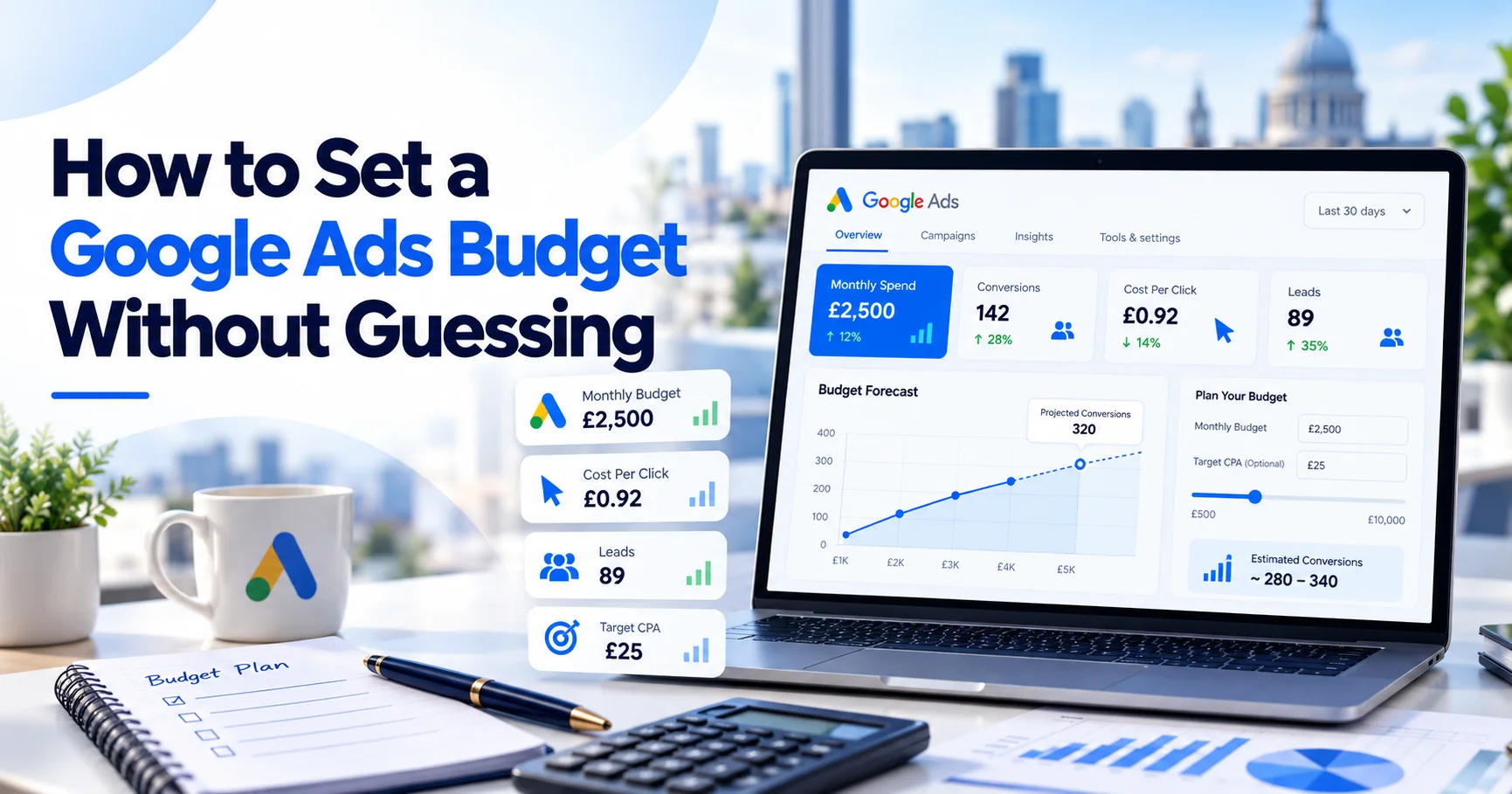
How much should you spend on Google Ads? £500 a month? £2,000? £10,000?
Choosing a number because it feels affordable is where many Google Ads budgets go wrong. A better approach is to work backwards from the result your business needs.
Start with the number of customers you want. Then consider your conversion rate, lead-to-customer rate and expected cost per click. This gives you a budget based on commercial targets rather than guesswork.
For example, if you need 10 customers, your website converts 5% of paid visitors into leads, and 25% of those leads become customers, you can estimate the clicks and budget required.
The Simple Google Ads Budget Formula
If you already know your click-to-customer conversion rate, use:
Monthly Google Ads budget = Target customers ÷ Click-to-customer conversion rate × Average CPC
For example:
- Target customers: 10
- Click-to-customer rate: 2%
- Average CPC: £6
Required clicks:
10 ÷ 0.02 = 500 clicks
Estimated monthly budget:
500 × £6 = £3,000
This gives you a useful starting point. Replace estimated CPC and conversion rates with real campaign data as it becomes available.
A Better Formula for Lead Generation Businesses
Most service businesses do not convert clicks directly into customers.
A visitor first becomes a lead. Your sales process then converts some of those leads into customers.
Use:
Required clicks = Target customers ÷ (Website conversion rate × Lead-to-customer rate)
Then:
Monthly ad budget = Required clicks × Average CPC
Imagine you want 10 customers per month.
Your figures are:
- Website conversion rate: 5%
- Lead-to-customer rate: 25%
- Average CPC: £6
First calculate your click-to-customer rate:
5% × 25% = 1.25%
Then calculate the clicks required:
10 ÷ 0.0125 = 800 clicks
Finally:
800 × £6 = £4,800
Your estimated monthly Google Ads budget is therefore £4,800.
That figure is more useful than choosing £1,000 simply because it feels comfortable.
Editable Google Ads Budget Formula
Use this simple worksheet:
| Input | Your Number |
| Target customers per month | ___ |
| Website lead conversion rate | ___% |
| Lead-to-customer rate | ___% |
| Estimated average CPC | £___ |
Then calculate:
Step 1
Website conversion rate × lead-to-customer rate = click-to-customer rate
Step 2
Target customers ÷ click-to-customer rate = required clicks
Step 3
Required clicks × average CPC = estimated monthly ad spend
For example:
12 customers ÷ (6% × 30%) × £5
The click-to-customer rate is:
6% × 30% = 1.8%
Required clicks:
12 ÷ 0.018 = about 667 clicks
Estimated spend:
667 × £5 = £3,335
Treat this as a planning model rather than a guarantee. Competition, targeting, ad quality, landing pages and customer behaviour can all affect performance.
Start With Customer Value, Not CPC
A cheap click is not automatically a good click.
Imagine one business pays £10 per click and needs 20 clicks for one customer.
20 × £10 = £200 acquisition cost
Another business pays £2 per click but needs 150 clicks.
150 × £2 = £300 acquisition cost
The cheaper CPC produced the more expensive customer.
This is why CPC should be judged alongside conversion rate, customer acquisition cost and customer value.
How to Calculate Your Break-Even Cost Per Lead
Your break-even cost per lead helps estimate how much you can afford to pay for an enquiry.
Use:
Break-even CPL = Contribution profit per customer × Lead-to-customer rate
Contribution profit is the amount left after the direct cost of delivering your service.
Suppose one customer produces £800 contribution profit and 25% of qualified leads become customers.
£800 × 25% = £200
Your basic break-even CPL is £200.
In practice, your target CPL should normally sit below that figure. This leaves room for overhead, management costs, poor-quality leads and profit.

London Service Business Example
Imagine a London boiler company earns about £500 contribution profit from one completed job.
If 20% of qualified PPC leads become customers:
£500 × 20% = £100
Its basic break-even CPL is £100.
A £65 CPL may leave room for profit. A £130 CPL suggests something needs reviewing.
That could mean improving lead quality, conversion rate, CPC, sales follow-up or average job value.
Know Your Average CPC Before Choosing a Budget
Your expected CPC affects how much traffic your budget can buy.
Google’s Keyword Planner can help you research keywords and view planning estimates.
Suppose your monthly budget is £2,000.
At a £2 average CPC:
£2,000 ÷ £2 = about 1,000 clicks
At a £10 average CPC:
£2,000 ÷ £10 = about 200 clicks
The same budget can produce very different traffic volumes.
This matters in competitive markets such as London, where commercial searches can be expensive.
Planning figures are estimates. Actual CPC can change because of competition, device, location, search query, bidding and ad quality.
Once campaigns are running, replace forecasts with real account data.
How Conversion Rate Changes Your Required Budget
Conversion rate can have a major effect on PPC costs.
Suppose you need 40 leads and your average CPC is £5.
At a 2% conversion rate:
40 ÷ 0.02 = 2,000 clicks
2,000 × £5 = £10,000
At a 5% conversion rate:
40 ÷ 0.05 = 800 clicks
800 × £5 = £4,000
At an 8% conversion rate:
40 ÷ 0.08 = 500 clicks
500 × £5 = £2,500
The CPC and lead target remain unchanged, yet the required budget falls from £10,000 to £2,500.
That is why landing-page performance deserves as much attention as traffic costs.
Fix Conversion Problems Before Increasing Spend
If your website converts poorly, adding more budget may simply increase waste.
Before scaling, check whether:
- the landing page matches the search intent;
- the offer is clear;
- the website works properly on mobile;
- calls and forms are easy to complete;
- the page contains enough trust signals.
Google includes landing-page experience among the components used in its Quality Score diagnosis.
Google’s official Quality Score guidance explains that expected CTR, ad relevance and landing-page experience contribute to the metric.
For a deeper explanation, read our Google Ads Quality Score guide.
Turn Your Monthly Budget Into a Daily Budget
Google Ads generally uses an average daily campaign budget.
To estimate this from your monthly amount, divide by 30.4.
Google explains this calculation in its official Google Ads budget overview.
For example:
£3,040 ÷ 30.4 = £100 per day
For most campaigns, Google may spend more than your average daily amount on higher-demand days. The monthly spending limit is generally based on:
Average daily budget × 30.4
Monthly to Daily Google Ads Budget Examples
| Monthly Budget | Approx. Daily Budget |
| £500 | £16.45 |
| £1,000 | £32.89 |
| £2,000 | £65.79 |
| £3,000 | £98.68 |
| £5,000 | £164.47 |
| £10,000 | £328.95 |
These figures help with pacing. They do not tell you whether the budget is large enough for your market.
Can Your Google Ads Budget Buy Enough Useful Traffic?
A budget needs to generate enough traffic to produce useful data.
Suppose your keywords average £12 per click and your daily budget is £10. The campaign may struggle to collect enough clicks for meaningful decisions.
That does not mean Google Ads cannot work.
You may need to:
- narrow your service area;
- focus on fewer services;
- remove low-value keywords;
- increase the test budget.
Spreading £1,000 across 15 campaigns can make learning difficult. Concentrating it on one or two important services may produce clearer data.
How Much Should a Google Ads Test Budget Be?
There is no universal test budget.
A sensible amount depends mainly on CPC and the volume of data you want.
Suppose CPC is £5.
A £50 daily budget could produce around:
10 clicks per day
Across 30 days, that is roughly:
300 clicks
At a £25 CPC, the same daily budget may produce only:
2 clicks per day
That is about 60 clicks per month.
The budget is identical, but the available data is very different.
A better approach is to choose the number of clicks needed for your initial test.
For example:
- Required test clicks: 200
- Expected CPC: £6
200 × £6 = £1,200 test budget
Across 30.4 days:
£1,200 ÷ 30.4 = about £39.47 per day
CPC can still change, but this gives you a stronger planning figure.
Protect Your Budget From Irrelevant Searches
Budget performance depends on more than CPC.
Keyword targeting, match types and real search terms affect where your money goes.
Poor targeting can generate clicks from people looking for jobs, courses, free advice, DIY information, products you do not sell or locations you do not serve.
Regular search-term reviews and negative keywords help reduce that waste.
For more detail, read Google Ads Match Types Explained With Real Examples.
More traffic is not automatically better. It needs to match what the business actually sells.
Track Conversions Before Making Budget Decisions
You cannot manage a PPC budget properly without reliable conversion tracking.
Service businesses may need to track phone calls and enquiry forms. Ecommerce businesses may need purchase and revenue tracking.
Google explains the process in its website conversion tracking documentation.
Test your tracking before making major budget changes.
A campaign can look expensive when valuable leads are missing from the data. It can also appear successful when low-value actions are incorrectly counted as conversions.
Our Google Ads Conversion Tracking Checklist can help you review the setup before scaling spend.
Google Ads Budget Example: Local Locksmith
Imagine a London locksmith wants 30 qualified enquiries per month.
- Average CPC: £8
- Landing-page conversion rate: 10%
Required clicks:
30 ÷ 0.10 = 300 clicks
Estimated monthly spend:
300 × £8 = £2,400
Average daily budget:
£2,400 ÷ 30.4 = about £78.95
Now suppose one in three leads becomes a customer. That produces around 10 jobs.
If each job contributes £300 after direct costs:
10 × £300 = £3,000 contribution profit
That leaves little room before management costs and overhead.
The business should therefore improve efficiency before automatically increasing spend.
Google Ads Budget Example: London Accountant
Imagine an accountancy firm wants eight new customers each month.
Its figures are:
- Website conversion rate: 6%
- Lead-to-customer rate: 20%
- Average CPC: £7
Click-to-customer rate:
6% × 20% = 1.2%
Required clicks:
8 ÷ 0.012 = about 667 clicks
Estimated monthly spend:
667 × £7 = about £4,669
Whether that budget makes sense depends on customer value.
If a retained customer is worth several thousand pounds, the economics may work. If each customer is worth only £200, they probably will not.
Lower CPC Does Not Always Mean Better Performance
Compare two campaigns.
Campaign A
- CPC: £3
- Conversion rate: 2%
- Spend for 100 clicks: £300
- Leads: 2
- CPL: £150
Campaign B
- CPC: £7
- Conversion rate: 8%
- Spend for 100 clicks: £700
- Leads: 8
- CPL: £87.50
Campaign B has a much higher CPC but a lower cost per lead.
This is why chasing cheap clicks alone can lead to poor decisions.
Include Management Costs in Your Real PPC Budget
Media spend is not always your full PPC cost.
Suppose you spend:
- Google Ads media: £4,000
- Management fee: £1,000
- Call tracking and software: £100
Your total monthly PPC cost is:
£5,100
If this produces 30 qualified leads:
Media-only CPL:
£4,000 ÷ 30 = £133.33
All-in CPL:
£5,100 ÷ 30 = £170
Both metrics are useful. Just be consistent when comparing performance.
Our older guide to Google Ads management and campaign services explains how management, tracking, landing pages and optimisation can affect total PPC costs.

Lead Quality Matters More Than Lead Volume
Twenty cheap leads are not always better than ten expensive ones.
Imagine one campaign produces 20 leads at £50 each, but only two become customers.
Another produces 10 leads at £80 each, and five become customers.
The second campaign has a higher CPL but may generate far more revenue.
That is why sales feedback should feed back into PPC decisions.
Do not optimise only for form submissions. Optimise for enquiries that become valuable customers.
Allocate Google Ads Budget by Service and Location
Not every service deserves the same Google Ads budget.
A plumber may offer small repairs, boiler replacements, commercial contracts and emergency work. Each service can have different margins, CPCs and conversion rates.
A £100 CPL could be poor for a £150 job but excellent for work worth several thousand pounds.
Location matters too.
Central London may have different CPCs, competition and customer values than an outer-London area.
Start with services and locations you can serve profitably. Expand when the data supports it.
When Should You Increase Your Google Ads Budget?
Increase spend when the account shows evidence that additional budget can produce profitable business.
Before scaling, understand:
- CPL;
- customer acquisition cost;
- conversion rate;
- lead quality;
- sales close rate;
- available capacity.
If tracking is reliable and profitable campaigns are limited by budget, increasing spend can make sense.
If lead quality is poor or tracking is broken, more budget usually makes the problem larger.
Make increases gradually and review what happens. There is no universal rule saying every account should increase by 10% or 20%.
Your own performance data should guide the decision.
When Should You Reduce Your Budget?
Reducing spend can make sense when:
- lead quality falls;
- business capacity is full;
- margins decline;
- demand becomes seasonal;
- campaigns stop meeting targets;
- tracking becomes unreliable.
A budget should respond to commercial reality rather than remain fixed because it was approved months ago.
Learn From Real PPC Performance Data
Budget decisions become stronger when campaigns are measured against genuine enquiries and sales.
In one Wixdek construction PPC example, spending was adjusted based on performance while leads were connected with real jobs. Budgets were also allocated according to enquiry quality instead of treating every service equally.
You can see the approach in our construction Google Ads case study.
The principle is simple: budget should follow useful demand.
Monthly Google Ads Budget Checklist
Before approving next month’s budget, ask:
- What customer or revenue target are we trying to reach?
- What is our real average CPC?
- What is our landing-page conversion rate?
- What percentage of leads become customers?
- What is one customer worth after direct costs?
- What is our break-even CPL?
- Which campaigns generate the best leads?
- Is conversion tracking reliable?
- Can the business handle more enquiries?
- Are we changing spend because of data or guesswork?
If you cannot answer most of these questions, improve measurement before aggressively increasing spend.
How Wixdek Approaches Google Ads Budget Planning
At Wixdek, we believe every Google Ads budget should have a clear commercial purpose.
That might mean generating 30 qualified calls, 15 booked consultations or a target number of ecommerce sales.
From there, work backwards.
CPC helps estimate traffic. Conversion rate estimates leads. Sales data estimates customers. Customer value tells you whether the numbers make financial sense.
The aim is not to spend every pound available. It is to fund campaigns that have a realistic chance of producing profitable business.
Your Google Ads Budget Should Answer One Question
Before spending another pound, ask:
What result does this budget need to produce?
If you cannot answer that question, your budget is still largely a guess.
Start with your customer target. Work backwards through your sales conversion rate, website conversion rate and expected CPC.
Then compare the required spend with your break-even CPL and customer value.
Once campaigns are live, replace assumptions with real data.
Google Ads will never be perfectly predictable, but this approach gives you a much stronger basis for deciding whether £1,000, £5,000 or £20,000 makes sense.
Need Help Checking Your Google Ads Budget?
If you are already spending on Google Ads but cannot tell whether your budget is too high, too low or poorly allocated, start with the account data.
Wixdek can review campaign structure, tracking, CPCs, conversion rates, search terms, lead quality and budget allocation.
Our PPC agency in London service focuses on controlled spend and measurable enquiries rather than increasing budgets without evidence.
The important question is not:
“How much can we spend?”
It is:
“How much can we spend profitably?”
Frequently Asked Questions
How much should I spend on Google Ads per month?
There is no universal amount. Start with the customers or leads you need, then use CPC and conversion rates to estimate the required spend.
How do I calculate a Google Ads budget?
Use:
Target customers ÷ click-to-customer conversion rate × average CPC
For lead generation, calculate your website conversion rate and lead-to-customer rate separately.
What is a good starting Google Ads budget?
A useful starting budget should generate enough traffic to collect meaningful data without creating unacceptable financial risk. The amount depends on CPC, conversion rate, competition and search demand.
What is break-even CPL?
Break-even CPL estimates the maximum lead cost your customer economics can support.
A simple formula is:
Contribution profit per customer × lead-to-customer conversion rate
How do I convert a monthly Google Ads budget into a daily budget?
Divide the monthly amount by 30.4.
For example:
£3,040 ÷ 30.4 = £100 average daily budget
Can Google spend more than my daily budget?
For most campaigns, Google can spend above the average daily budget on higher-demand days. The monthly spending limit is generally based on the average daily budget multiplied by 30.4.
Should I increase my budget when CPC rises?
Not automatically.
First check conversion rate, lead quality, customer value and profitability. A higher CPC can still make sense if the traffic converts well.
Is a lower CPC always better?
No. Cheap traffic can produce weak leads.
A campaign with a higher CPC may still generate a lower CPL or customer acquisition cost when its visitors convert better.
Should management fees be included in CPL?
It depends on the metric.
Media CPL uses advertising spend only. All-in CPL may include management fees, tracking software and other PPC costs.
Use the same calculation when comparing campaigns.
When should I scale my Google Ads budget?
Scale when tracking is reliable, lead quality is strong, customer economics work and more profitable demand is available.
Do not increase spend simply because unused budget remains.
