
For many UK service businesses, Google Business Profile is the first place potential customers discover them.
Someone searching for a plumber in Manchester, an electrician in London, or a local roofing company usually wants quick answers. They want to know who you are, what you offer, where you work, and whether customers trust you.
A poorly optimised profile can make your business harder to find, even if you provide excellent services.
Google Business Profile optimisation helps improve how your business appears across Google Search and Google Maps. It also helps customers understand your services before they visit your website or contact you.
This checklist from Wixdek covers the key areas service businesses should review, including profile setup, categories, services, reviews, photos, posts, and ongoing improvements.
If you want to understand how Google decides local rankings, read our guide on Google Maps ranking factors for UK businesses.
What Is Google Business Profile Optimisation?
Google Business Profile optimisation is the process of improving your business listing so Google and customers can clearly understand your services, location, and reputation.
A well-optimised profile provides accurate information and stronger trust signals.
For service businesses, this usually includes:
- Correct business details
- Relevant categories
- Clear services
- Customer reviews
- Real business photos
- Regular updates
- Website connections
Google uses information from your profile, website, reviews, and other online sources to understand your business.
You can manage your profile directly through Google Business Profile and keep important information updated.
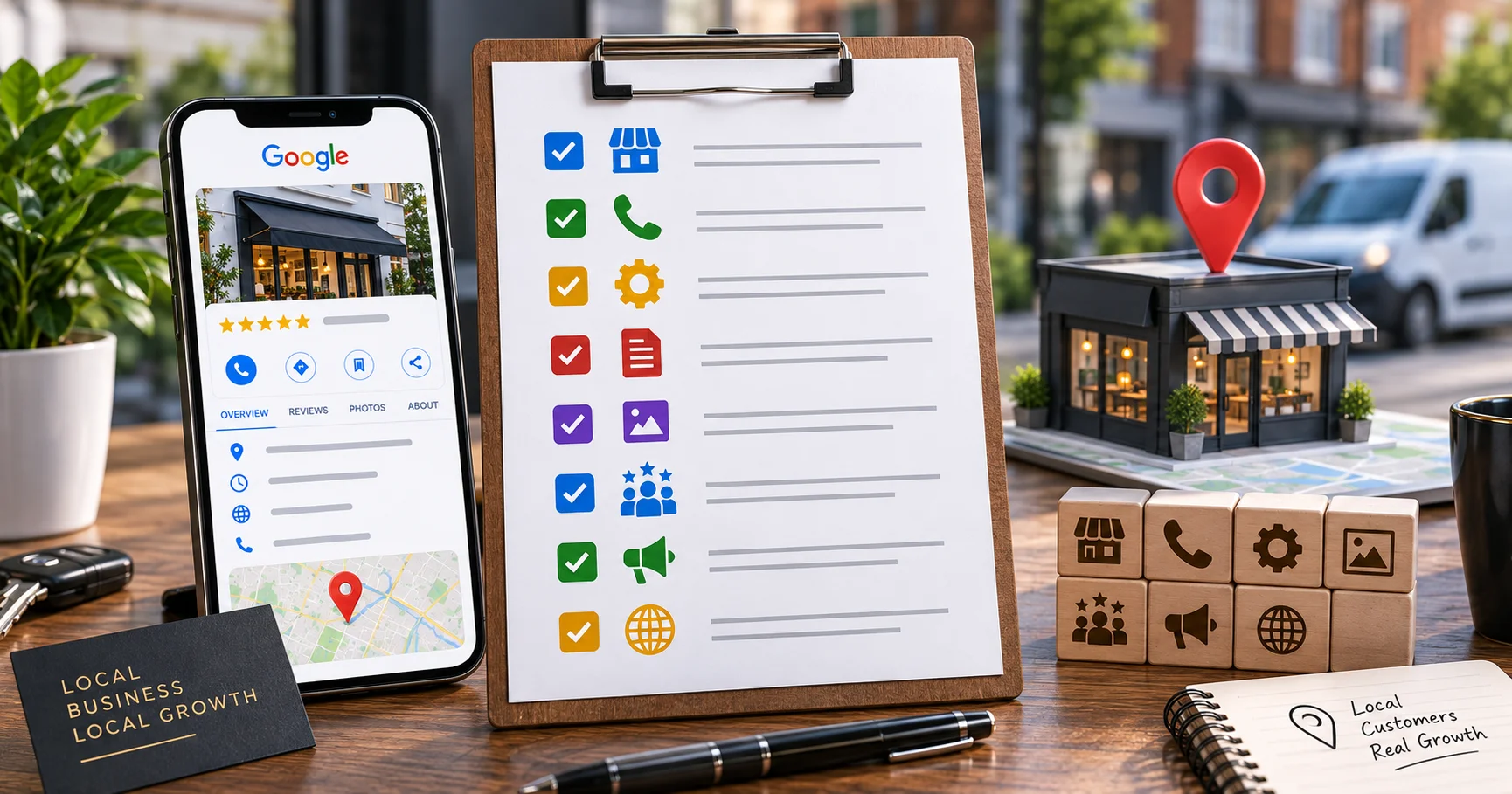
Google Business Profile Optimisation Checklist
Use this checklist to review your profile. Each section includes:
- What to check
- Priority level
- Who should manage it
- How often to review it
1. Business Setup and Verification
A strong profile starts with accurate business information.
Many businesses make the mistake of adding keywords into their business name or creating multiple locations that do not represent real offices.
These shortcuts can create problems because Google wants genuine business information, not ranking tricks.
Claim and Verify Your Profile
Checklist
Make sure you:
- Claim ownership of your Google Business Profile
- Complete Google’s verification process
- Use your real legal trading name
- Confirm your address or service area
Priority: High
Owner: Business owner or marketing manager
Review frequency: Once during setup, then when details change
For service-area businesses, your address settings matter.
For example, a mobile electrician visiting customers across London may choose to hide their home address and show the areas they serve instead.
2. Complete Core Business Information
Incomplete profiles create uncertainty for both customers and Google. Your profile should clearly explain who you are and how customers can contact you.
Check Your Business Details
Review:
- Business name
- Phone number
- Website URL
- Opening hours
- Holiday hours
- Service areas
Incorrect information can lead to missed calls and poor customer experience.
A customer searching for an emergency service does not want to find outdated opening times.
Priority: High
Owner: Business owner or marketing team
Review frequency: Monthly
3. Choose the Right Google Business Profile Categories
Categories help Google understand what your business does.
Your primary category is especially important because it represents your main service.
For example, a plumbing company should not choose a broad category if a more accurate plumbing-related category is available.
Choosing the correct primary and secondary categories requires understanding your services and customers.
You can learn more in our guide on how to choose primary and secondary Google Business Profile categories.
Category Checklist
Review:
- Is your primary category accurate?
- Are secondary categories relevant?
- Do categories match your website services?
- Have competitors selected different categories?
Priority: High
Owner: SEO specialist or marketing manager
Review frequency: Every 6 months
4. Improve Your Business Description and Services
Your Google Business Profile description should quickly explain:
- What you do
- Who you help
- Where you operate
- Why customers should choose you
Avoid stuffing keywords into the description.
Instead of:
“Best London plumber emergency plumber London plumbing services London”
Write naturally:
“We provide professional plumbing services across London, helping homeowners and businesses with repairs, installations, and emergency plumbing support.”
Add Detailed Services
Your services section should include individual offerings.
For example:
A roofing company may include:
- Roof repairs
- Flat roofing
- Roof inspections
- Emergency roof repairs
Clear services help Google connect searches with your business.
Priority: High
Owner: Business owner and SEO team
Review frequency: Every 3 months
5. Add Real Business Photos
Photos help customers understand your business before contacting you.
Real images usually create more trust than generic stock photos.
Add:
- Team photos
- Completed projects
- Vehicles
- Equipment
- Office or workplace images
- Customer-facing work examples
For example, a London electrician could show completed installations, team members, and branded vehicles.
Priority: Medium
Owner: Business team
Review frequency: Monthly
6. Build and Manage Customer Reviews
Reviews influence customer decisions and support local trust.
A strong review profile is not only about the number of reviews. Quality matters too.
Encourage customers to mention genuine details about their experience.
A review saying:
“Great service”
provides less context than:
“Completed our boiler repair quickly and explained everything clearly.”
Review Management Checklist
Make sure you:
- Request reviews from genuine customers
- Reply professionally
- Thank customers for positive feedback
- Address negative reviews calmly
Never buy fake reviews.
They can damage trust and create long-term risks.
Priority: High
Owner: Customer service team
Review frequency: Weekly
7. Use Google Business Profile Posts, Products and Services
Regular updates show that your profile is active.
Businesses can share:
- Offers
- Service updates
- Company news
- Project highlights
- Helpful information
Your posts should provide value instead of repeating sales messages.
You can also review how services, products and posts support visibility in our guide on Google Business Profile services, products and posts.
Priority: Medium
Owner: Marketing team
Review frequency: Weekly or monthly
8. Connect Your Website and Local SEO Signals
Your Google Business Profile should support your website, not work separately.
Check that:
- Your website mentions your main services
- Location information is consistent
- Contact details match
- Local pages provide useful information
Google looks at wider business signals, not only your profile.
This includes your website content, reviews, links, and online mentions.
For businesses looking to improve overall visibility, Wixdek provides Local SEO services designed around improving local search performance.
Google Business Profile Optimisation Checklist Download
Use this simple review sheet to manage your improvements:
| Task | Priority | Owner | Review |
| Verify profile ownership | High | Business owner | Once |
| Check business details | High | Marketing team | Monthly |
| Review categories | High | SEO specialist | Every 6 months |
| Update services | High | Business team | Quarterly |
| Add photos | Medium | Business team | Monthly |
| Manage reviews | High | Customer service | Weekly |
| Publish posts | Medium | Marketing team | Monthly |
| Check website connection | High | SEO team | Quarterly |
Common Google Business Profile Mistakes to Avoid
Many service businesses focus on quick ranking tricks instead of building a trusted profile.
Avoid:
- Adding keywords to your business name
- Creating fake locations
- Ignoring reviews
- Using incorrect categories
- Leaving services empty
- Adding outdated information
Google rewards accurate and useful profiles because they create better experiences for search users.
How Wixdek Reviews Google Business Profiles
At Wixdek, we review Google Business Profiles by looking beyond individual fields.
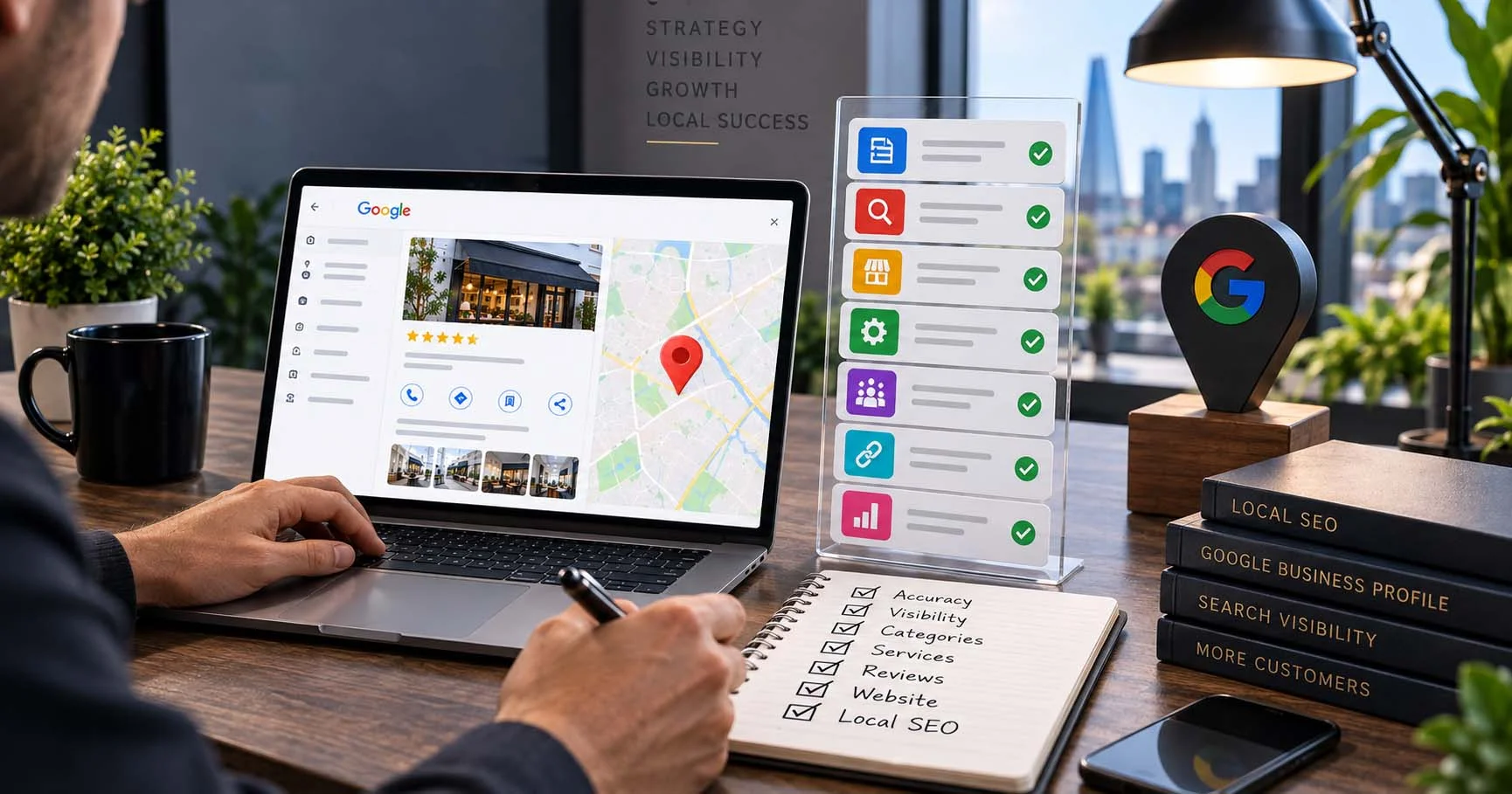
A complete audit considers:
- Profile accuracy
- Search visibility
- Categories
- Services
- Reviews
- Website connection
- Local SEO opportunities
A profile problem is not always obvious. Sometimes the issue is category choice, missing services, weak website signals, or inconsistent business information.
A structured review helps identify the areas that can make the biggest difference.
Final Google Business Profile Optimisation Checklist
Before finishing your review, confirm:
- Your profile is verified
- Your business information is accurate
- Your categories match your services
- Your services are complete
- Your description is customer-focused
- Your photos are genuine
- Your reviews are managed regularly
- Your posts are updated
- Your website supports local visibility
Google Business Profile optimisation is not a one-time task. Local search changes, customer behaviour changes, and competitors continue improving.
Regular reviews help your business maintain strong visibility.
Need Help Improving Your Local Visibility?
If your Google Business Profile is not generating enough calls, enquiries, or local visibility, Wixdek can help review your current setup.
Request your Google Business Profile optimisation review and find the areas holding your local search performance back.
